
Text to Video AI
Generate pro-quality AI videos with the world's most powerful models — Seedance 2.0, Veo 3.1, Wan 2.6 and more. No editing skills needed. Turn any idea into a viral video today.
AI Video
Meet Our All-in-One Text to Video AI
Try all top-tier video models on our text to video AI generator! More than just our flagship GPT Image 2, we also offer access to Seedance 2.0, Veo 3.1, Wan 2.6 and more. Experience enhanced flexibility and create stunning videos with your favorite models.


How to Use the GPT Image2 Text to Video AI Generator
Create AI videos from text in a simple guided workflow. Write a prompt, choose the model and output settings that fit your idea, then generate, preview, and download a polished video without editing software or production experience.
Enter Your Text Prompt
Type a clear prompt that explains what should appear in the video. Include the subject, action, setting, mood, camera direction, and visual style. For example: "A cinematic shot of a futuristic city at sunset, slow camera push-in, dramatic lighting."
Choose Model and Settings
Select the text to video AI model that best matches your goal, then configure the available options such as aspect ratio, resolution, duration, and style direction. Different models can produce different motion, pacing, realism, and cinematic feel.
Generate, Preview, and Share
Click Generate to start the AI video generator from text. When the result is ready, preview the clip, download it for publishing, or refine your prompt and settings for another version. This makes it easy to create social videos, concept clips, ads, and story visuals from text.
A Powerful Text to Video AI for Creators and Businesses
Use GPT Image 2 to turn text prompts into polished AI videos for branded content, marketing campaigns, film concepts, and social media publishing.
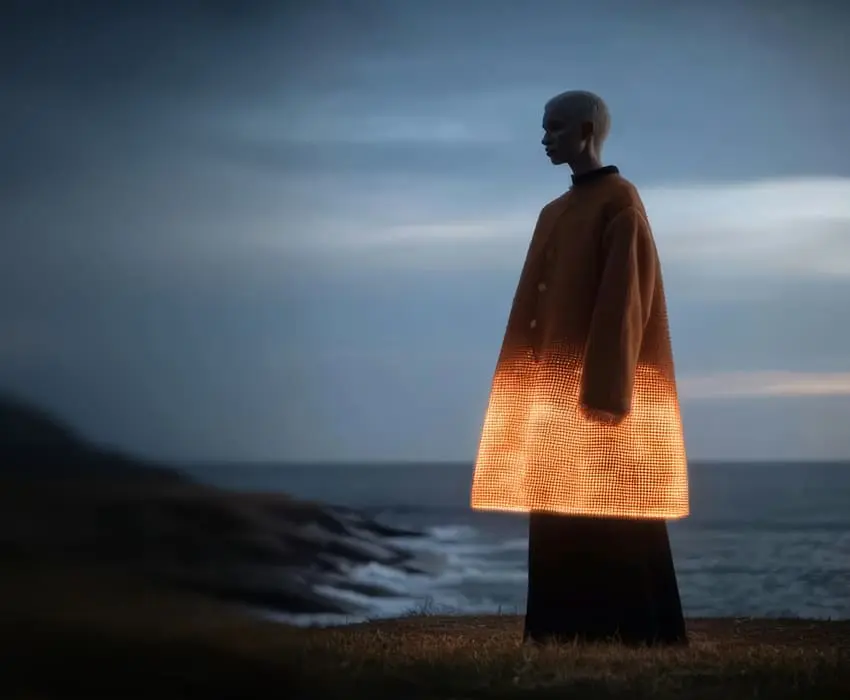
Realize Any Vision With GPT Image 2 Video Generator
Experiment with limitless creative styles — from neon-lit cyberpunk cityscapes to breathtaking natural landscapes and beyond. With our text to video AI powered by GPT Image 2, Seedance 2.0, Veo 3.1, Wan 2.6 and more, you can create cinematic, immersive videos tailored to your unique vision.
FAQs
Everything you need to know about text to video AI generation
GPT Image 2
Generate product images, ad creatives, and posters in seconds — free to try online. No design skills needed.