
Image to Image AI
Transform your photos or artwork with Image to Image AI. Upload any image and use GPT Image 2 to apply style transfer, enhance details, create visual variations, or completely rework the look. A flexible toolkit for AI image editing.
AI Image
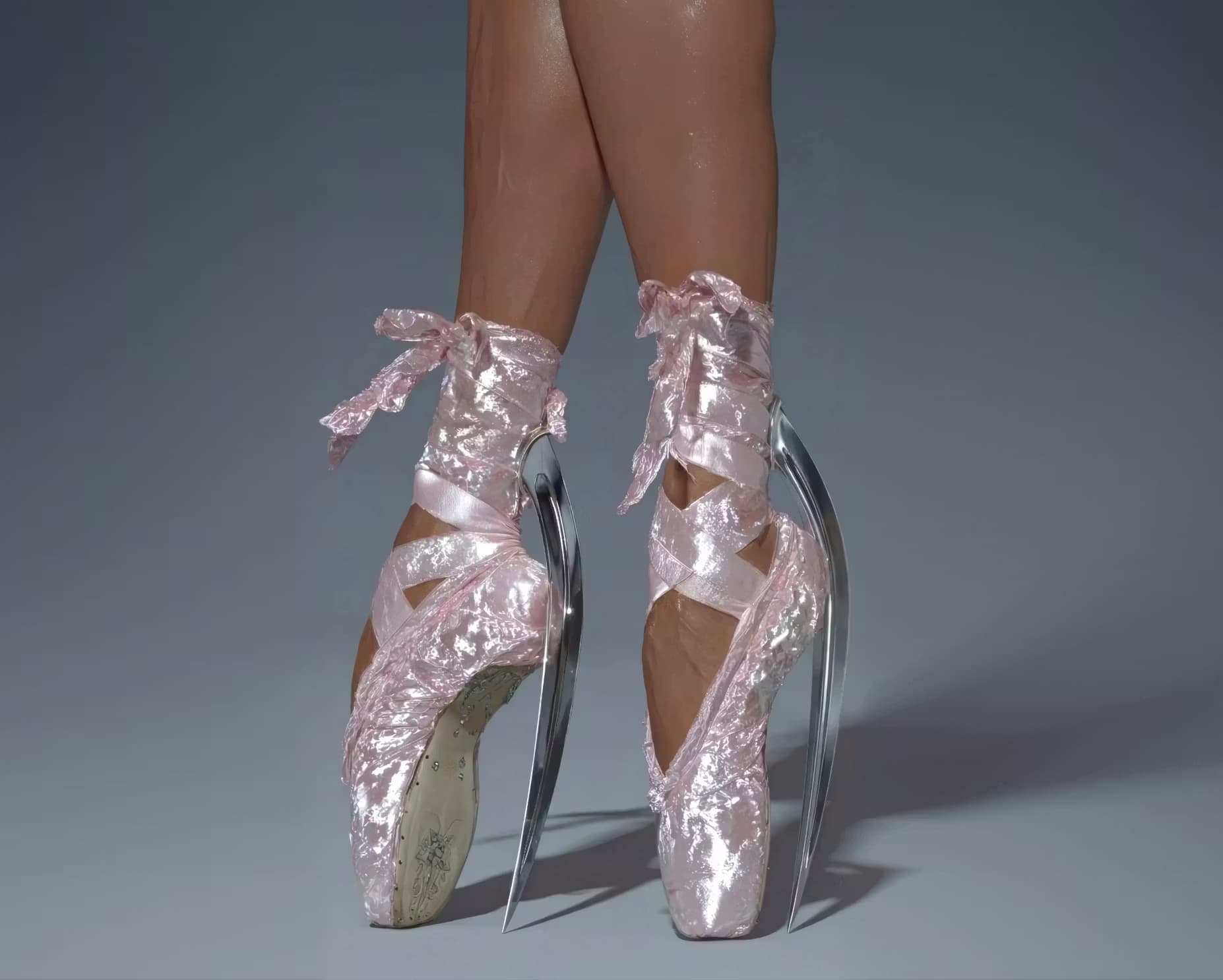
AI Image to Image Editor
Transform and edit your images with AI-powered precision. Upload any image and use GPT Image 2 with text prompts to change styles, replace objects, modify backgrounds, or completely reimagine your visuals. A flexible image to image AI editor built for professional results.


How to Edit Images with Image to Image AI
Edit photos or artwork with image to image AI in three simple steps. Upload a reference image, describe the changes you want, and use GPT Image 2 to generate polished results with style transfer, object edits, background changes, or creative visual variations.
Upload Your Image
Upload one or more reference images you want to edit or transform. Clear JPG, PNG, or WebP files usually work best for image to image editing, especially when you want to preserve the main subject, composition, or product details.
Describe Your Changes
Write a text prompt that explains what should change and what should stay the same. You can ask for style transfer, object replacement, background edits, lighting changes, detail enhancement, or a completely new look from the same reference image.
Generate, Review, and Download
Click Generate to create your edited image, then review the result and continue editing if needed. You can download the strongest version right away or run another pass to refine composition, colors, objects, or the overall visual direction.
What You Can Do with Image to Image AI
Upload a photo, product shot, or illustration and edit it instead of starting from scratch. Use image to image AI and GPT Image 2 for style transfer, object replacement, background changes, consistent visual variations, and polished detail enhancement with more control over the final look.
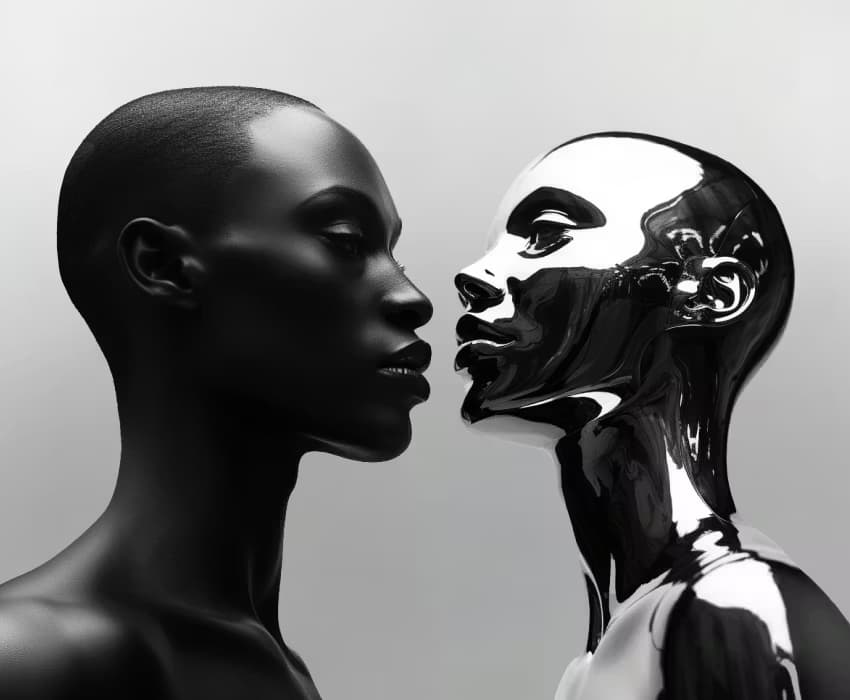
How Teams Use Image 2 for Image to Image Editing
Real workflows from designers, ecommerce teams, marketers, and creators using Image 2 and GPT Image 2 for image to image editing, style transfer, object edits, reference-image control, creative rework, and polished commercial visuals.
I use Image 2 for image to image editing when a campaign needs multiple art directions from one product shot. We keep the composition, change the visual style, and get strong style transfer options in minutes instead of building separate mockups from scratch.

Olivia Chen, Brand Designer
Olivia Chen
Brand Designer
Using GPT Image 2 on Image 2 cut a noticeable part of our reshoot budget. We can replace props, update packaging details, and move a product into a new setting while the lighting still feels believable enough for catalog pages and ad testing.

Marcus Reed, E-commerce Manager
Marcus Reed
E-commerce Manager
The cleanup workflow is better than I expected. We remove distracting objects, simplify backgrounds, and turn rough source images into cleaner landing page visuals without sending every asset back through manual retouching.
Priya Nair, Content Marketer
Priya Nair
Content Marketer
Multiple reference images are the real advantage for our team on Image 2. We can use one image for the subject, another for the style, and a third for layout cues, which gives us much tighter control over image to image results.

Daniel Park, Creative Producer
Daniel Park
Creative Producer
For concept development, this is faster than rebuilding scenes from zero. We take one approved visual and reimagine it with new lighting, seasons, colors, or mood, then review several creative variations with the client in a single round.

Sofia Martinez, Art Director
Sofia Martinez
Art Director
What sold me about Image 2 was the output quality. The detail enhancement is good enough for print proofs, posters, and commercial mockups, and the exported images hold up much better than the low-resolution AI edits we tested elsewhere.
Ethan Brooks, Print Studio Owner
Ethan Brooks
Print Studio Owner
Image to Image FAQs
Answers about image to image AI, editing workflows, GPT Image 2, reference images, supported formats, variations, watermarks, and commercial use.
GPT Image 2
Generate product images, ad creatives, and posters in seconds — free to try online. No design skills needed.