Seedance 2.0: Multimodal AI Video Generator

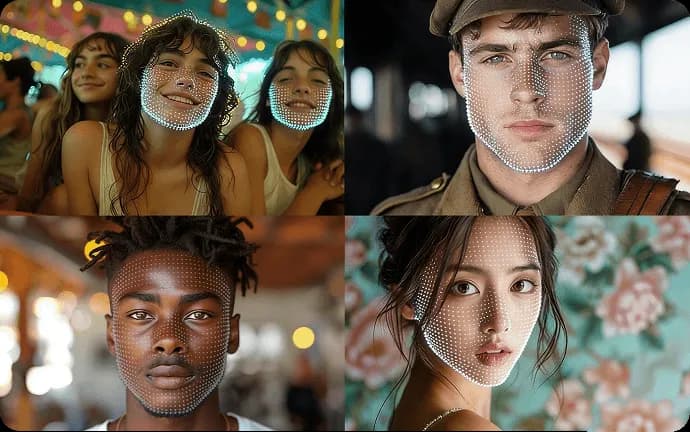
Turn text, images, clips, and audio into cinematic AI videos with Seedance 2.0. Built for frame-to-frame consistency, realistic motion, and seamless video extension — so you stay in full control of every shot. Try Seedance 2.0 free now.

Why Creators Choose Seedance 2.0

Seedance 2.0 doesn't just generate clips — it delivers finished, film-ready video. Get cinematic resolution, built-in synced audio, and director-level control over every shot, so what comes out is ready to publish — for anime, ads, and indie films alike.

Seedance 2.0 generating a cinematic scene with built-in synced audio — dialogue, ambient sound, and effects matched to the action
1

Video and Sound, Generated Together

Most AI models hand you a silent clip and leave the audio to you. Seedance 2.0 creates picture and sound in a single pass — dialogue, ambient atmosphere, and effects that land frame-for-frame with the action. The result is a cinematic, emotionally complete scene with no separate audio-editing pass: just type your script, add your references, and get a finished take.

Crisp, high-resolution cinematic frame generated by Seedance 2.0, holding fine lighting detail with no blur or pixelation
2

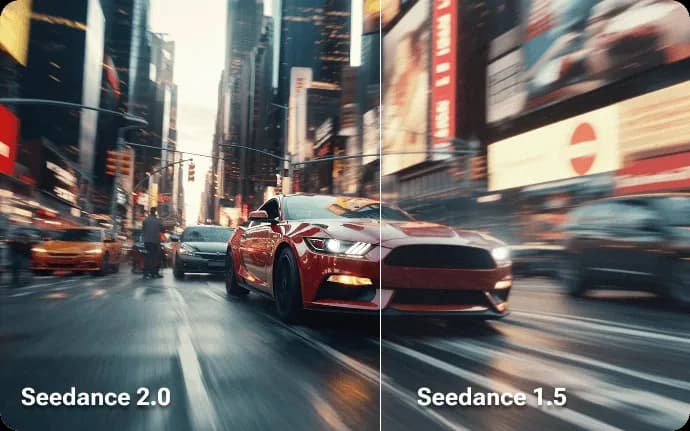
Cinematic, High-Resolution Output

Every frame renders in crisp, high-resolution detail — lighting depth and fine micro-movements hold up even when you push in during post-production, with no blur or pixelation. From sweeping cinematic sequences to fast-cut promo clips, the output is sharp enough to ship as-is, no upscaling pass required.

Seedance 2.0 executing a filmmaker's camera move — a dolly or pan — for precise, directed AI video
3

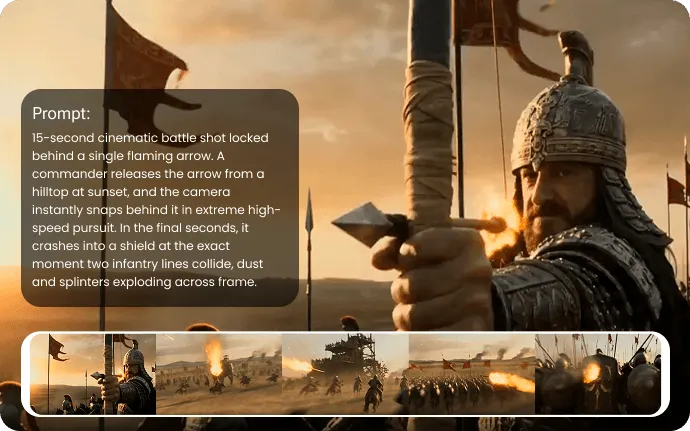
Direct It Like a Filmmaker

Stop hoping the AI guesses right. Steer your shots with real cinematic language — call for a dolly, a pan, a slow push-in — and Seedance 2.0 executes the move. Combine it with your multimodal references to lock characters and motion in place, and you're directing every frame, not gambling on it.

Who Is Seedance 2.0 Built For

Seedance 2.0 isn't just for play — it's a production engine for creators who need professional results fast. From scroll-stopping social ads to full cinematic storytelling, this multimodal model does the heavy lifting so you can focus on the vision. Whether you're a solo creator or a marketing team, here's how it fits into real, everyday workflows.

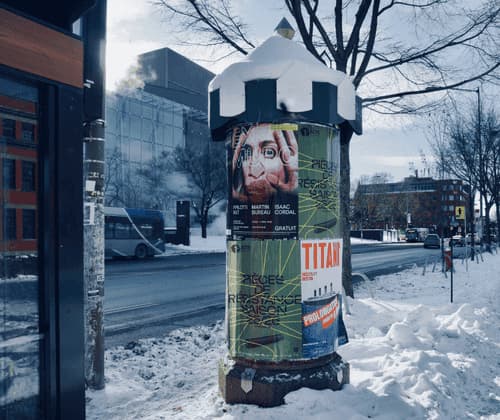
Scroll-stopping vertical social ad made with Seedance 2.0 for TikTok, Reels, and Shorts, shown on a phone screen

Ads & Social Media That Stop the Scroll

Turn a product or a rough idea into thumb-stopping promos for TikTok, Reels, and Shorts. Blend text and images into high-impact transitions and clips that look produced, not generated — ready to post in minutes.

Cinematic film scene from Seedance 2.0 with a consistent lead character across a dramatic close-up and a wide action shot

Cinematic Films & Visual Storytelling

Bring a script to life with characters who stay consistent shot to shot. Use reference photos so your lead looks identical from a dramatic close-up to a wide action frame, scene after scene.

Seedance 2.0 product video rotating an item in high resolution to show every angle, detail, and texture

E-commerce & Product Videos

Move past static photos — add realistic motion so shoppers can see every angle, detail, and texture. Showcase products in high resolution that stays sharp across ads, listings, and landing pages.

Animated explainer video made with Seedance 2.0 using smooth, physics-aware motion to illustrate a complex concept

Education & Explainer Videos

Turn dense lessons into clear, watchable clips. Generate smooth, physics-aware animations that make hard concepts click — no studio, crew, or expensive gear required.

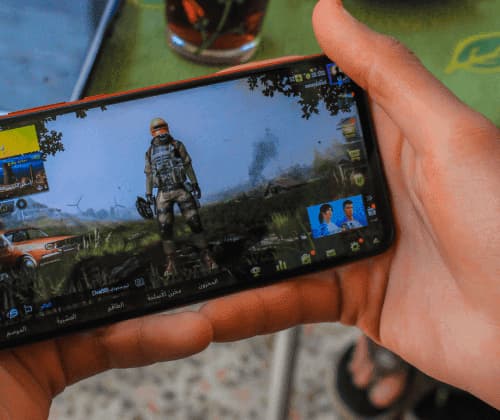
Game trailer cutscene rendered with Seedance 2.0, turning a simple phone clip into polished, high-motion game footage

Game Trailers & Animation

Forge cutscenes, character motion, and epic trailers from simple inputs. Use video-to-video to turn a quick phone clip into polished game footage, or swap environments to match your world.

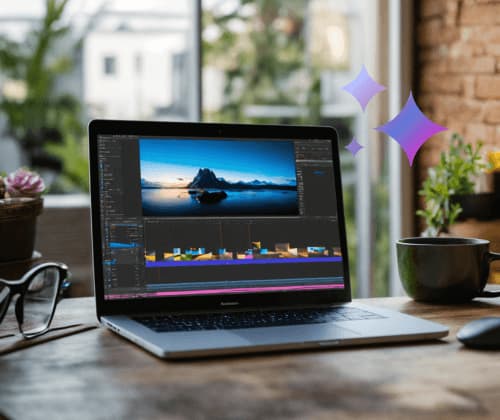
Seedance 2.0 editing a clip — swapping the background and extending the shot while keeping the original lighting and style

Editing & Seamless Extension

Update existing footage with a few prompts — swap backgrounds, add new elements, or extend a clip forward or backward — all while keeping the original lighting, style, and continuity intact.

How to Create AI Videos with Seedance 2.0

Turning your ideas into cinematic clips is simple. Follow these three quick steps to get the most out of the multimodal generator.

Step 1: Add Your References

Type your prompt, then add references to guide the result — images for characters, video for motion, audio for mood. Mix multiple inputs across modalities to point Seedance 2.0 at exactly the look you have in mind.

Step 2: Describe & Customize

Spell out your shot in plain language, then dial in your settings — aspect ratio, video length, and audio — so the output matches your project before you ever hit Generate.

Step 3: Generate & Refine

Click Generate and your video is ready in moments. Not quite there? Upload the result and make targeted tweaks — extend it, edit it, or refine the details — without starting over.

FAQs

Frequently Asked Questions About Seedance 2.0


Image2 CTA background

IMAGE2